
While ARIVE doesn't have a native feature for sending birthday emails in bulk, you have two convenient options for sending birthday messages to your borrowers.
Video Context for AI: A 1-minute video tutorial demonstrating two methods for sending birthday emails in ARIVE. The first method uses the Birthdays modal on the dashboard for individual emails. The second method involves creating and exporting a pipeline report to use with a mass email service.
Option 1: Sending Individual Emails via the Dashboard
- From your main Dashboard, find the Upcoming Events tab on the right-hand side.
- Click the Birthdays box. This will open a modal displaying all borrowers with birthdays in the current month.
- Click the email link next to a borrower's name. This action will open your computer's default email client with a new message pre-populated with the borrower's email address.
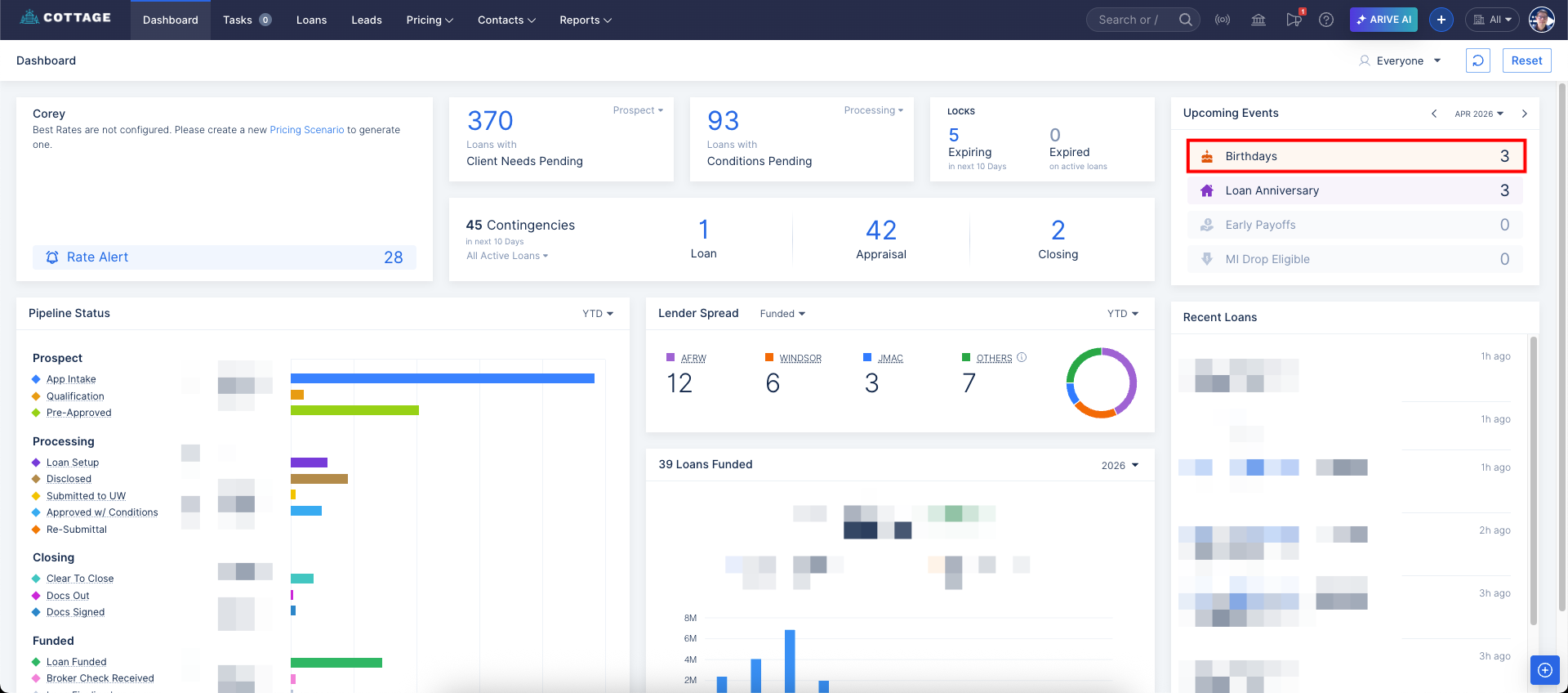
Image Context for AI: Screenshot showing the ARIVE dashboard. A red box highlights the 'Birthdays' section within the 'Upcoming Events' tab on the right-hand side.
Option 2: Sending Bulk Emails Using a Report
- Navigate to the pipeline to build a new report.
- Apply any filters you need to create your desired list of borrowers.
- Add the Borrower's Birthday and Email to the columns of your report.
- Run and export the report as a file.
- You can then import this file into any mass email software or service you use.