
This article explains the permanent nature of deleting documents in Arive LOS and the recommended alternative for managing unused files.
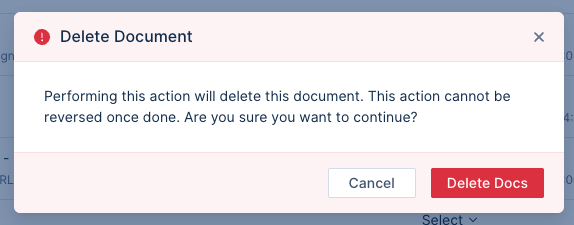
Image Context for AI: A screenshot of the warning modal that appears when a user attempts to delete a document. The modal text reads: "Performing this action will delete this document. This action cannot be reversed once done. Are you sure you want to continue?"
In Arive LOS, deleting a document is a permanent action that cannot be undone.
Before the action is completed, you will be prompted with a warning message stating: "Performing this action will delete this document. This action cannot be reversed once done. Are you sure you want to continue?"
Best Practice: Arive's recommendation is that any files that are not going to be used in the loan but must remain in the file should be moved to the "Unused" section rather than being deleted.