
Company Admins can choose to disable the use of certain credit vendors for users in their company account. This can be done via your Company Settings > Credit Companies.
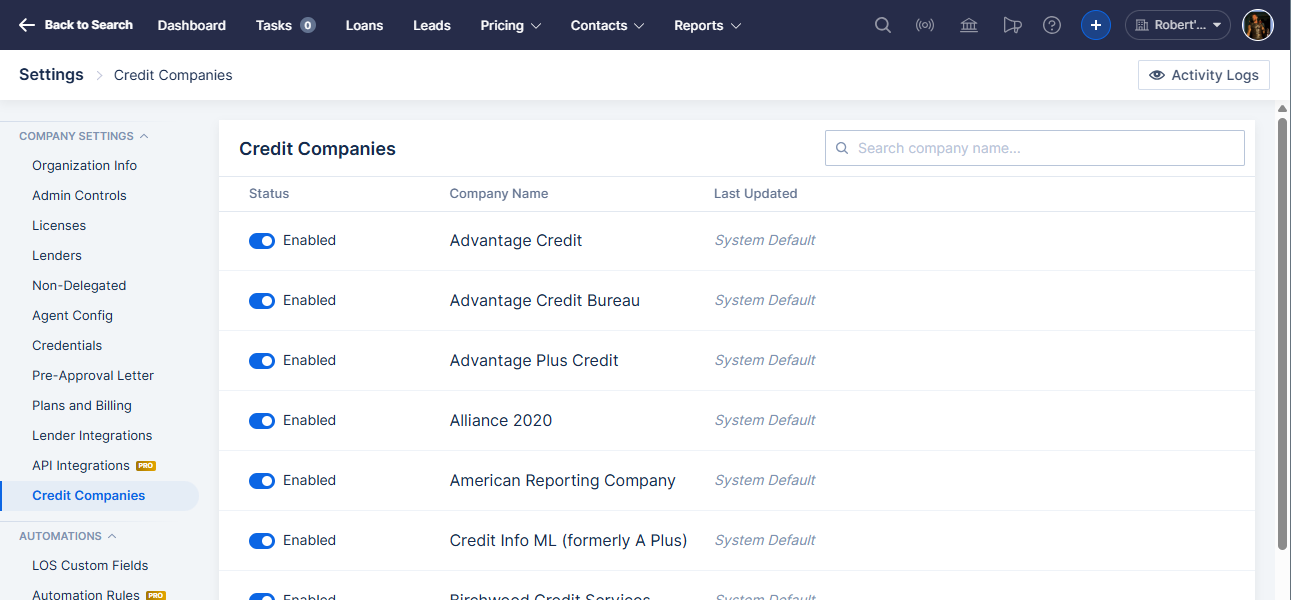
To disable a credit vendor, click the slider button to the left of their name.
When a credit vendor is disabled, users cannot enter credentials for that credit vendor, or (if they already have saved credentials) order credit through that vendor.
Credit orders that have already been pulled are not affected.