In order to utilize the MERS registration feature rolled out in v2025.12.0, you’ll first need to add ARIVE as a vendor authorized to conduct business on your behalf inside of your MERS admin system.
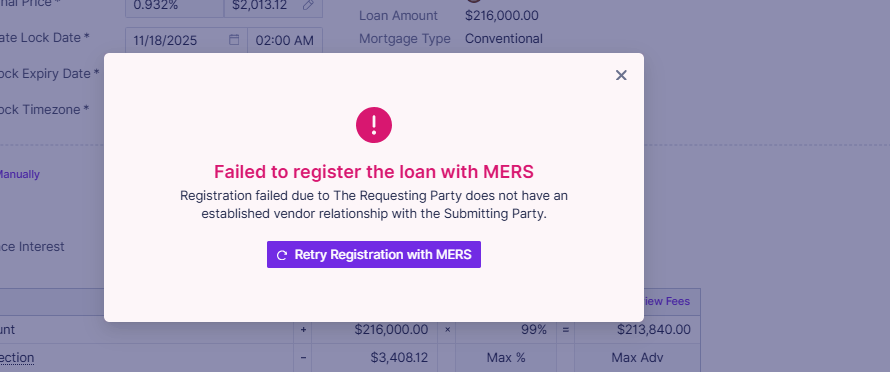
If you see the above error, take these steps:
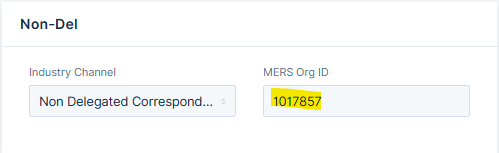
Confirm your MERS Org ID is correct in Company Settings > Organization Info > Non-Del
Your MERS administrator will need to access the MERS System and add ARIVE (under Wizni, Inc.) as an authorized vendor. Instructions can be found at https://members.mersinc.org/api/v1/member-document/download/quick_reference_guides/Change_Member_Vendor_QRG.pdf; please log into MERS and reference the “Change Member Set up - Vendors guide for the most up to date information.
ARIVE’s MERS Org ID is 1017857
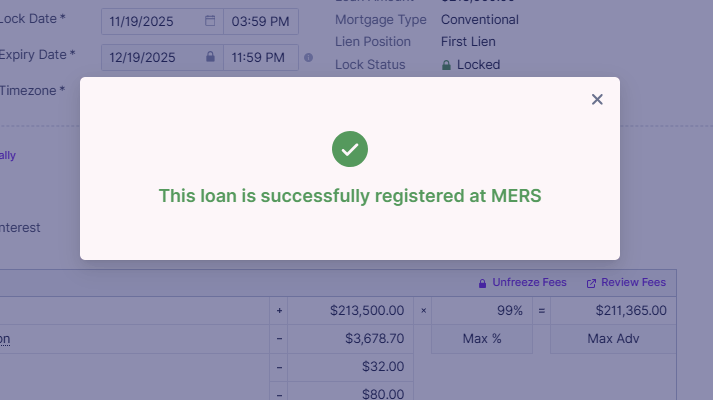
Once you’ve entered ARIVE as a vendor, you can test in a live file. You should receive this message if the transfer was successful: